
Aminote
A downloadable studio for Windows, macOS, and Linux
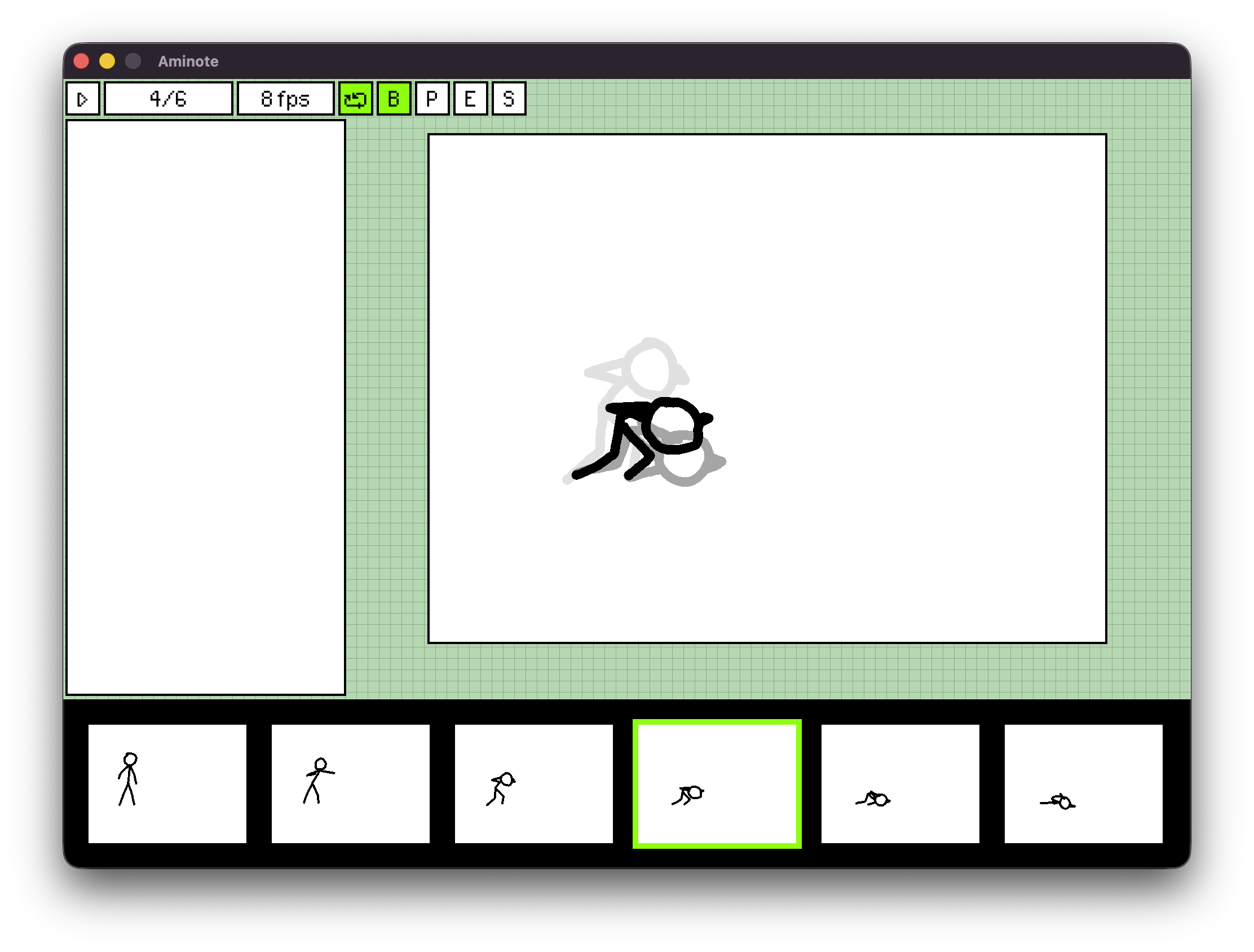
Aminote is a simple, nostalgic flipbook-style animation suite. If it reminds of you something, that's on purpose! Now available for macOS, Windows, and Linux. Other platforms may be added in the future.
Aminote is currently in EARLY ALPHA. If you would like to follow along with or support its development, consider joining our Patreon or Discord! I would love to hear feedback or see animations made by users.
Current alpha builds are available for FREE on Patreon, and will remain free while in alpha.
Keybinds/Controls:
- Traverse frames: Left, Right
- Undo: Ctrl+Z or Cmd+Z
- Redo: Ctrl+Y or Cmd+Y
- Clear Layer: X
- Insert Frame: I
- Playback Speed: -, =
- Toggle Playback Looping: L
- Toggle Onion Skin Visibility: O
- Brush: B
- Paint: P
- Eraser: E
- Change tool size: [, ]
- Delete Frame: D
- Play/Pause: Space
- Timeline scroll: Middle mouse/ trackpad scroll
Files:
- Save: Ctrl+S
- Export: Crtl+E
- Open File: Ctrl + O
Known issues/bugs
Before I lay everything out, if you, the person reading this, would like to help find issues so that I can fix them, by all means join the Discord! It would be incredibly helpful for anyone on non-apple platforms, especially Linux and x86 machines, so that I can improve support.
Currently, the issues I'm aware of:
- Export method is not very obvious and lacks a real UI with labels
- Opening an existing file doesn't change the window title to the name of the project
- Very large tool sizes get laggy when interacting with the canvas
- tool sizes do not totally match the scale of the cursor indicator
- Theming/config.yaml is not obvious and lacks a real UI
- Onionskin currently behaves as it would on flipnote (i.e. in order of the frames you've visited, not chronologically) which lacks an option to change to chronological
- Drawing while in the process of undoing will add that stroke to the snapshot of the canvas and undo/redo both drawings
- Undoing after changing color in the palette frequently changes the frame focus without visibly changing in the layers panel
- Deleting frames shifts focus to the left, when it should probably shift to the right
- Frames changing focus from deleting frames and similar actions will often reset the scroll location.
There's an incredibly long list of things I need to implement and fix, so bear with me while I make this project usable!
Download
Click download now to get access to the following files:
Development log
- v0.0.9-alpha Release38 days ago
- Aminote Bugfixes and Application Size Reduction79 days ago
Leave a comment
Log in with itch.io to leave a comment.